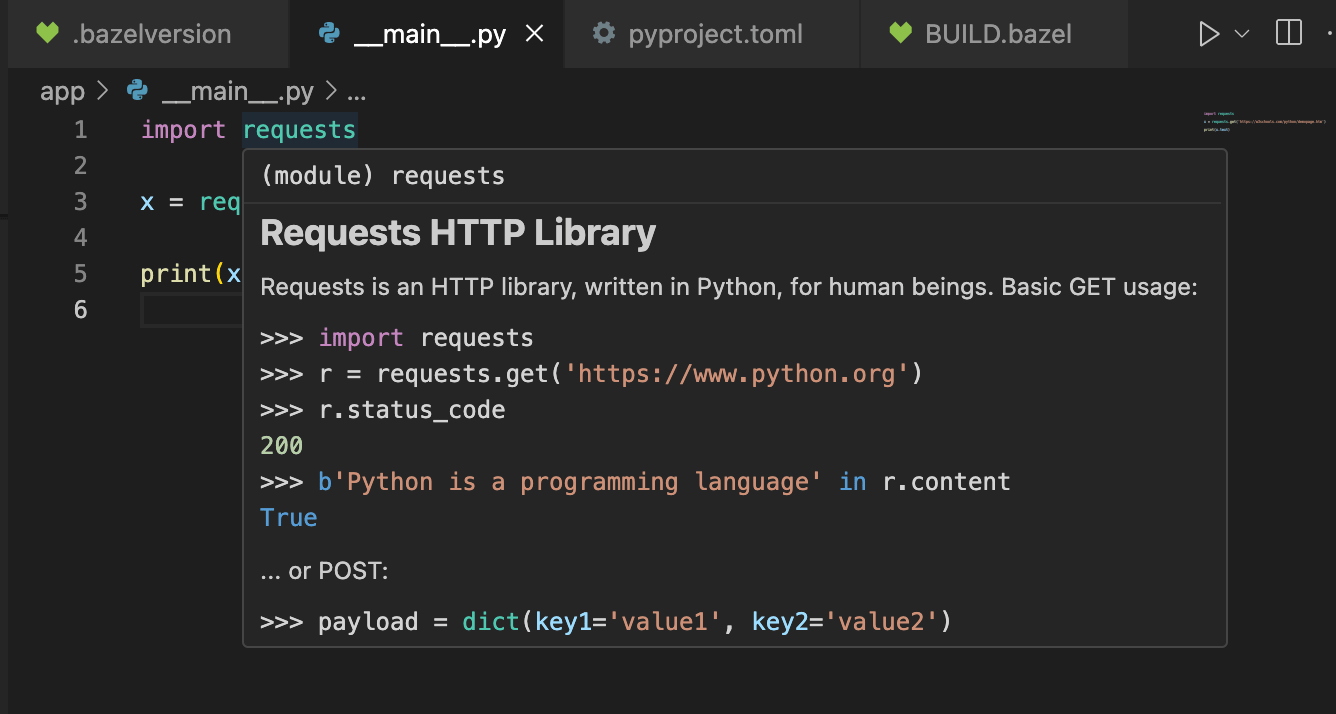
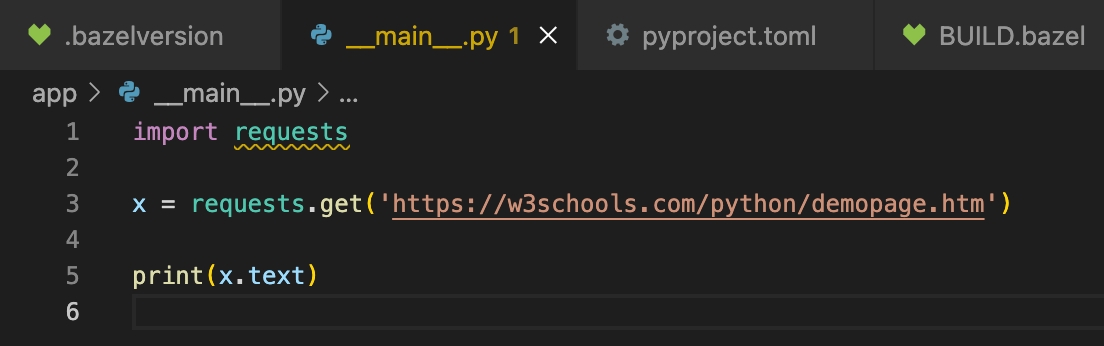
import requests line in your __main__.py file.
In your editor, it probably appears with some yellow squiggle underscores, indicating that you won’t have features like auto-complete, jump-to-definition, docs-on-hover, and so on.
Or it might be functional, but leaking through to somewhere else in the environment that doesn’t have the same version.
site-packages subfolder.
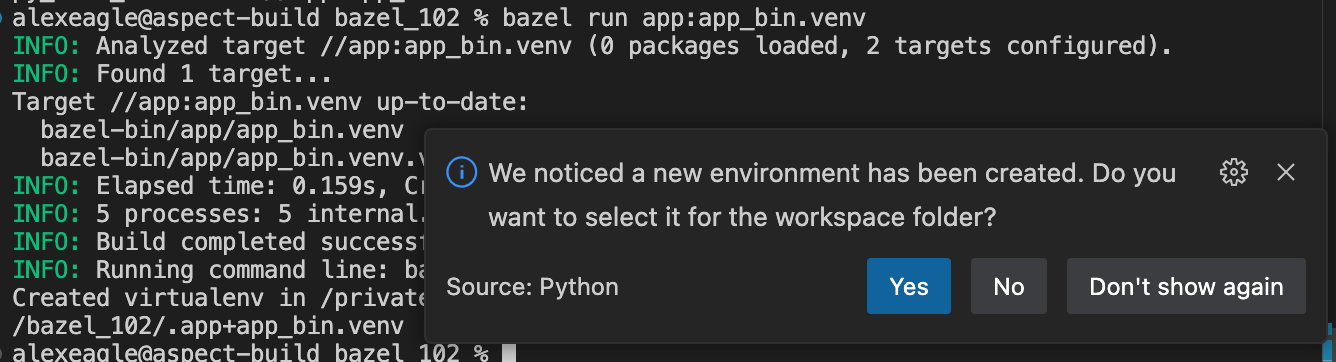
Since the repository gets the py_binary from aspect_rules_py, it includes a venv target which produces this virtual environment.
Run bazel query --output=label_kind app:all to see what targets are available.
app:app_bin.venv is an option, so run that: