

Tiers and pricing
Aspect Cloud is Free up to its allowance, then Pay as you go.Aspect Cloud pricing
The free allowance, the Pay as you go rates, and a monthly cost calculator.
What’s included
Your CI jobs and your developers reach the same cache and Build Results UI:

Get started
1
Sign up
Create an Aspect account on the Free tier. No credit card
needed to start.
2
Connect your machine
The Quickstart installs the CLI and connects a build to Aspect Cloud.
Local setup is the full version.
3
Add it to CI
One setup step on GitHub Actions, Buildkite, CircleCI or GitLab, on the runners you
already have. Your existing
bazel steps are unchanged. See
CI setup.Check the results
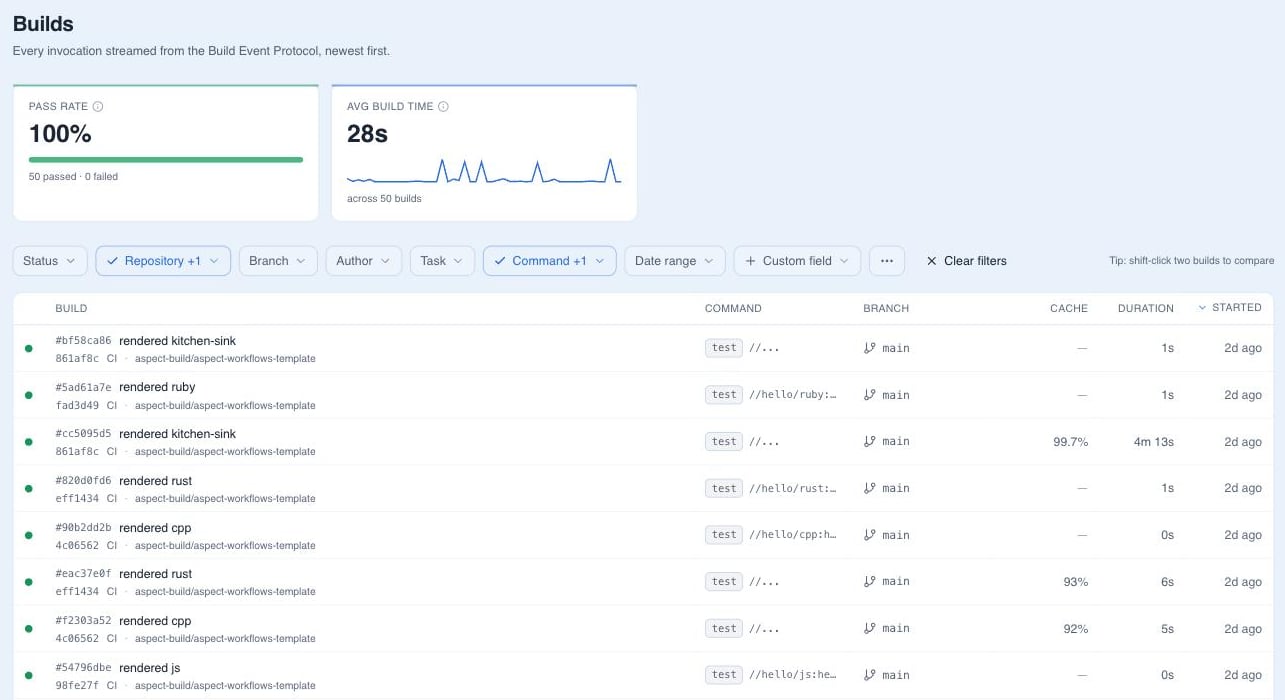
Open any build in the Build Results UI. The Cache tab shows the hit rate, andaspect cache diff lists any actions that missed.
Your team
Each developer signs in with their own Aspect account. An Owner or Admin invites teammates in Aspect settings and gives each one a role; Your Aspect account lists the roles.Your data
Aspect Cloud runs on shared infrastructure. Every request is authenticated to your organization, and cache contents are encrypted at rest. Cache data is only ever available to members of your organization. Build results are too, by default; an organization can choose public visibility, which lets any signed-in Aspect Cloud user view its build results. Aspect is SOC 2 Type 2 certified. Security covers what Aspect Cloud stores and where.Getting help
Join the Aspect Community Slack, Aspect’s free community support. Ask in#help for general support. Join the discussion and see what others are building with the Aspect CLI and Aspect Extension Language (AXL) in the #cli and #axl channels.
For Bazel and the Bazel rulesets, Bazel Slack is the best place for support and discussion. Ask about Aspect’s rules_js in #javascript and rules_py in #python.