pytest to add a simple test for the new library mylib you added.
Create a new file mylib/say_test.py containing the basic syntax for a Python test:
aspect gazelle.
The mylib/BUILD file now has a py_test target named mylib_test which you can test with bazel test //mylib:mylib_test.
Of course it fails, since the assertion was “intentionally wrong” but the function returns None - that’s good to know the test is running correctly!
You can replace that with None to see the test pass.
Debugging
To debug this test, you want it to run correctly in the editor, which doesn’t require Bazel at all. You can use a virtualenv again. Find thatvenv target again:
//mylib:mylib_test.venv will create a virtualenv specific to this test target, with the right set of dependencies included.
bazel run that target - the editor should offer to activate the new environment.
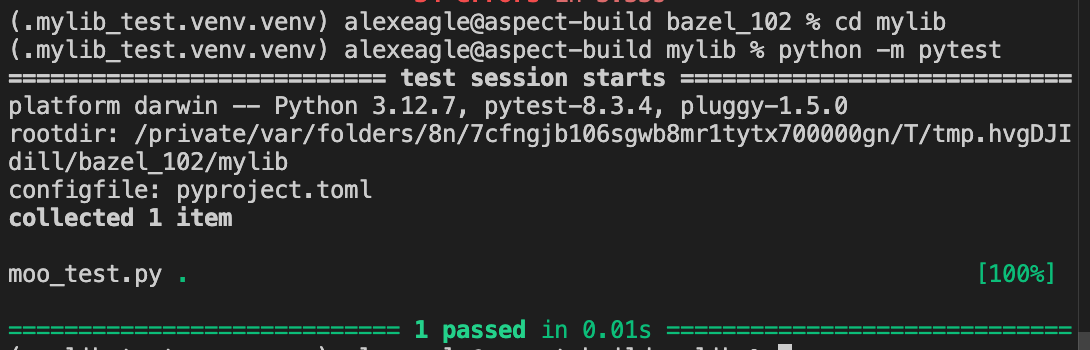
You can open a new terminal in the editor which uses the new virtualenv and see that you can directly run the Bazel-managed pytest.
That’s great since it means all tooling should just work here, including debuggers.
For example, an engineer can just run pytest and forget about Bazel:
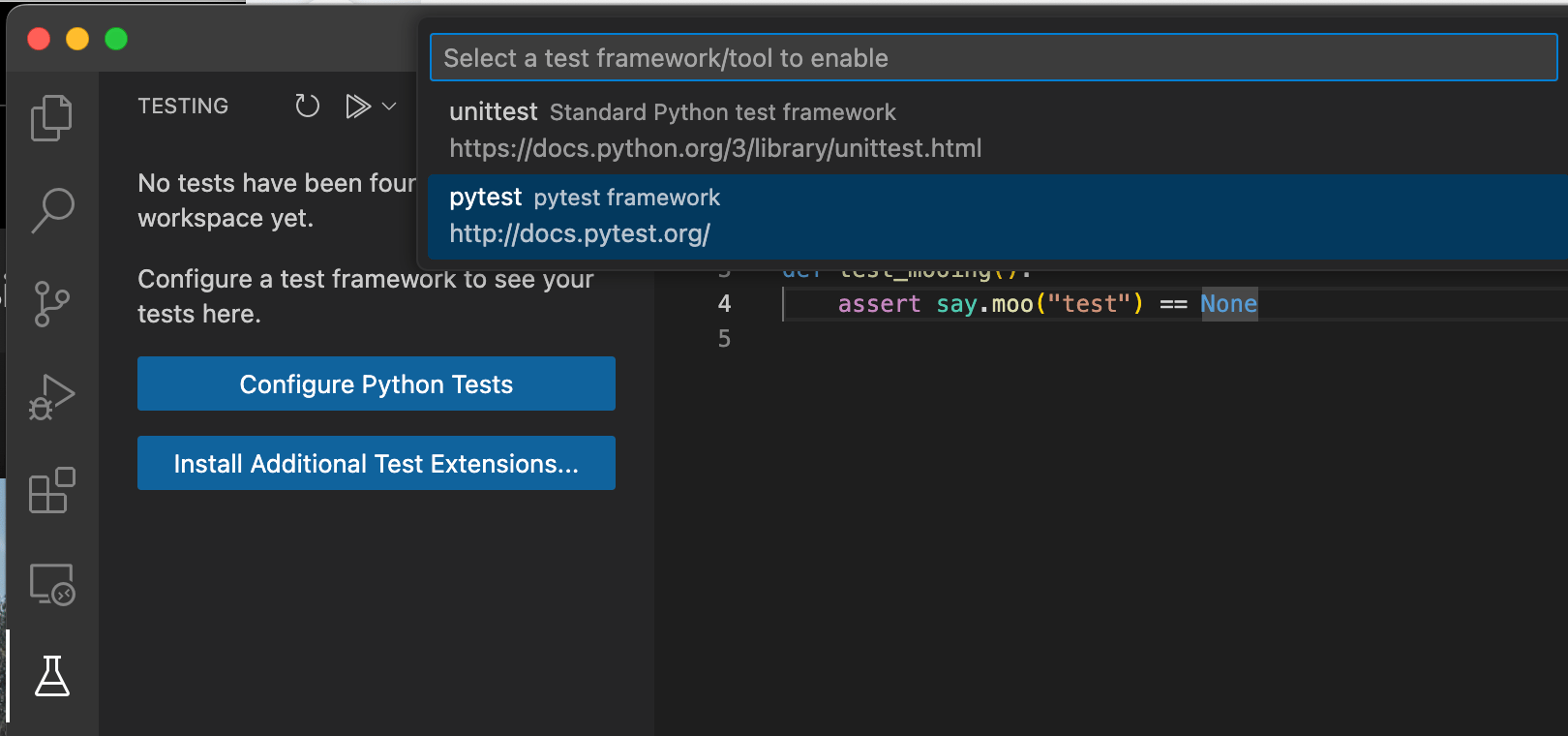
- open the “Testing” view, click “Configure Python tests” and choose “pytest”, then choose the “mylib” folder.
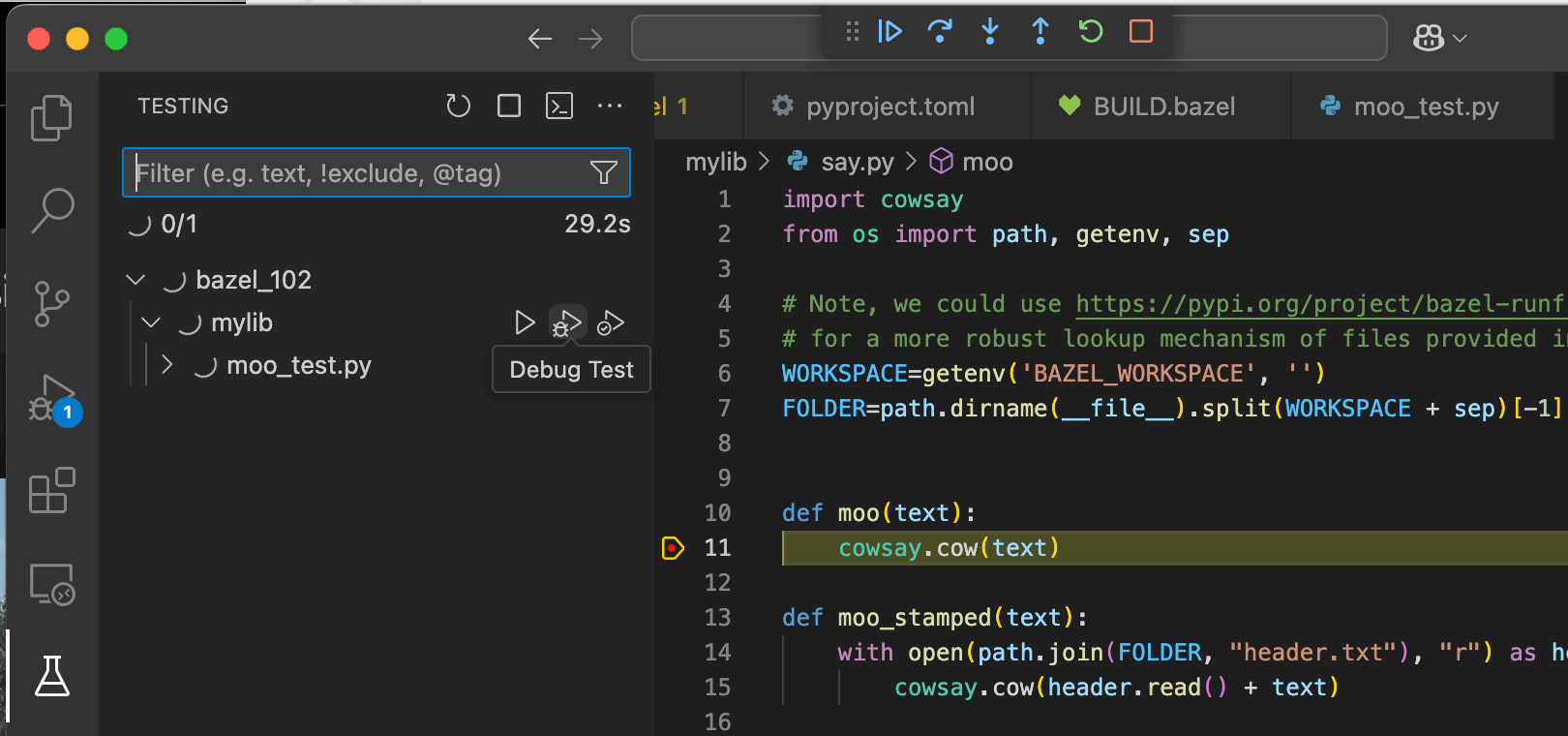
- Set a breakpoint, maybe at line 11 of
mylib/say.pywhich you know the test will call. - Choose the “debug test” icon for the file, and the IDE stops at the breakpoint: