

Scaffold a library
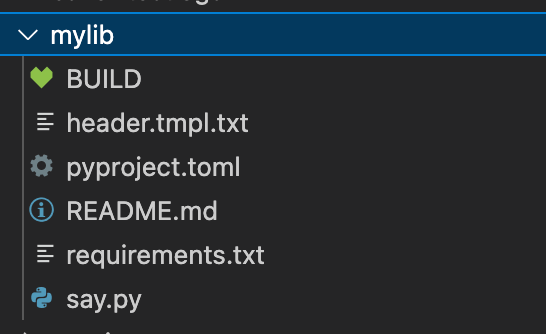
This exercise uses a code generator to scaffold a new library into our repository. Here’s an example repository that gives a minimal python library: https://github.com/alexeagle/aspect-template-python-lib As the README of that repo says, it’s a copier template. Thanks todirenv, we already have copier on the PATH, so you can stamp out a copy of the library into a new folder named mylib with this command:
jq.bzl) so we can run a command to install it:
mylib depends on a library (cowsay).
This should be constraint-solved along with the rest of the monorepo, so that you’re certain there’s no
“diamond dependency” version conflict when an application includes two different libraries.
So you need to add that to the monorepo requirements.
Add a line to the requirements/all.in file, with a -r line that points to the new requirements.txt file:
uv pip-compile step. So you must update the requirements/BUILD file.
For this, rather than edit by hand, you can use the buildozer tool which is a machine-editor for BUILD files that can apply simple instructions.
It’s already on the PATH thanks to direnv.

This
all.txt file is registered with the pip.parse extension in /MODULE.bazel which is how Bazel knows to install this library when needed.Use the library from the app
Let’s go back to__main__.py and use this.
Start typing “from mylib” at the top of the file - your editor should give you assistance in completing the import statement to get the say function.
Then replace the print call with say.marvin:
aspect gazelle again.
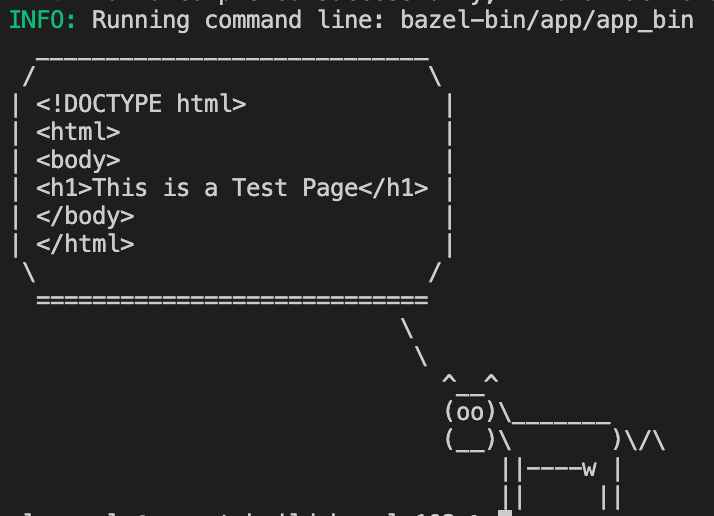
Now run the application again and see the library is working:
Swap out for a locally-built service
We’ll runcopier again to get a FastAPI service that serves our data.