

clang-tidy tool to find possible programming mistakes, and the clang-format tool to reformat the whitespace in our code.
Linting
We already have a.clang-tidy file in the repository. This is used by the clangd editor extension we installed earlier, and you may have noticed warning underlines like the following:
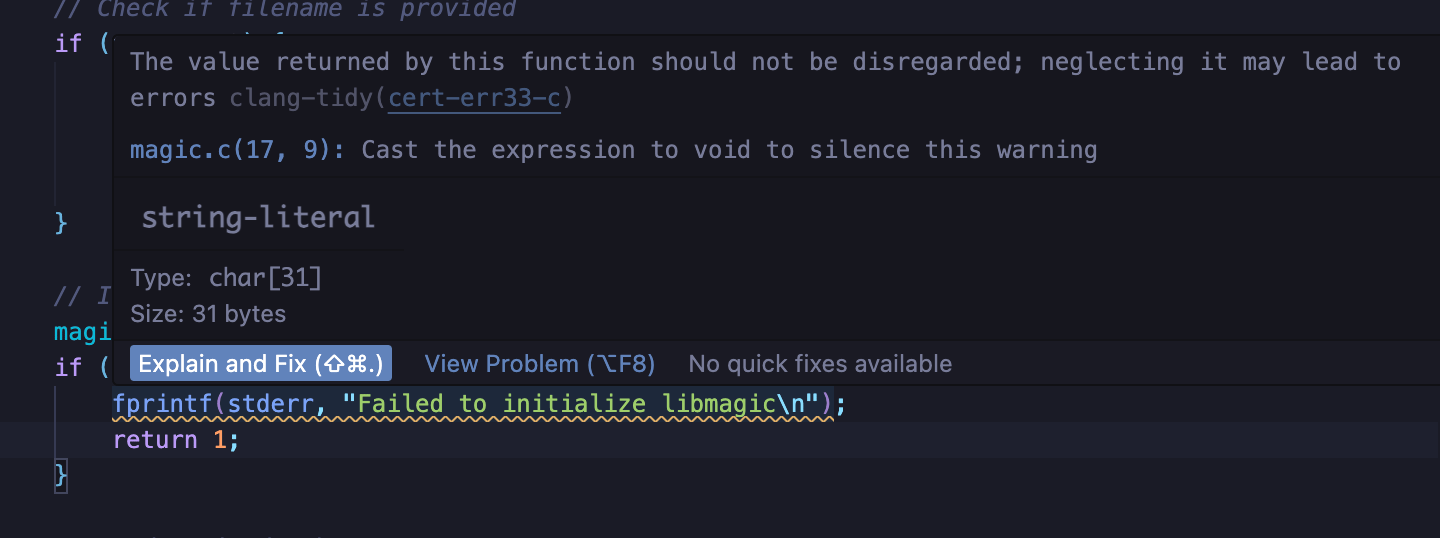
.clang-tidy configuration, and accept any auto-fixes it provides.
However developers might choose to ignore the warnings. We can run clang-tidy with Bazel as well. Our approach doesn’t require any changes to BUILD files, as the cc_library targets already supply the “bare facts” about the code, and shouldn’t have to specify what to do with it.
Look in the tools/lint folder. You’ll see a clang_tidy target in tools/lint/BUILD that runs the tool. In order to run it over existing targets, we use a Bazel feature called “aspects”. The clang_tidy aspect is declared in tools/lint/linters.bzl.
The Aspect CLI’s lint task applies that aspect for you and prints the results directly, rather than leaving them in bazel-bin for you to hunt down:
With the
tools/bazel wrapper installed, your team can keep typing bazel lint :all and Bazelisk routes it through the Aspect CLI.aspect lint wraps aspect_rules_lint’s aspects. If you can’t use the Aspect CLI, you can apply the aspect by hand with vanilla Bazel — bazel build --aspects=//tools/lint:linters.bzl%clang_tidy //src:all — which adds clang-tidy build actions to the cc_library targets it visits (cached and remotable like any other action) and leaves the report at bazel-bin/src/magic.AspectRulesLintClangTidy.out. rules_lint also ships an example lint.sh that wraps that invocation. The CLI exists so you don’t have to.