clangd relies on something called a “Compilation Database” so it understands the dependency graph, such as the location on disk of some header files used in a compile step. See https://clangd.llvm.org/config#compilationdatabase
We need to transform Bazel’s action graph (the build steps it would perform) into a compilation database. There is a tool available to do this: https://github.com/hedronvision/bazel-compile-commands-extractor which is already installed in our MODULE.bazel file.
There are a few ways to configure and run the compile-commands-extractor. The simplest way works for our small example, which is to run it with the default Bazel flags over all targets in our repository:
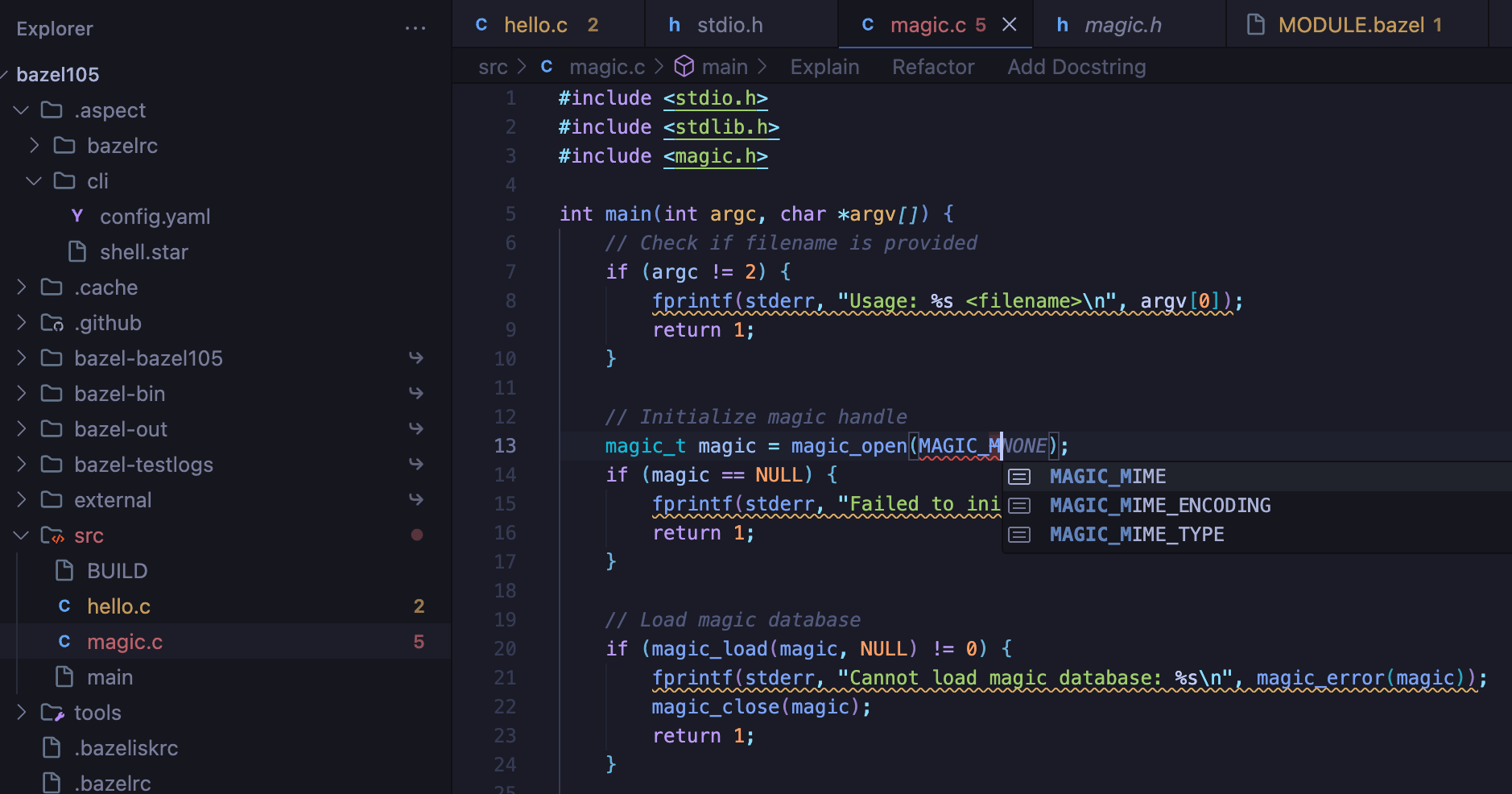
clangd installed and integrated with the editor. Instructions vary by editor. For example with Visual Studio Code, after adding the extension we see auto-completion in our magic.c file, and can jump-to-definition on symbols in that file, including to stdlib.h .